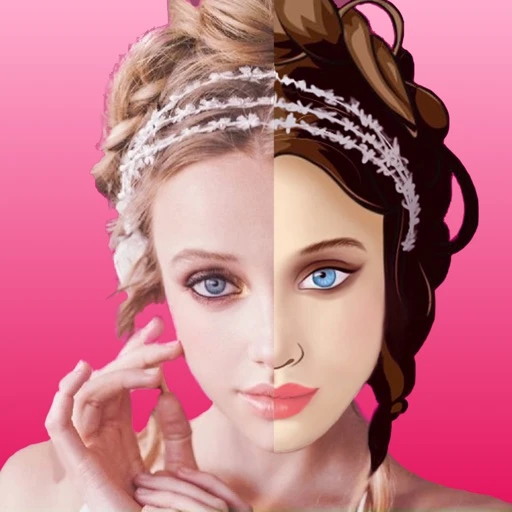
1. Use a photo you may edit
Choose your own image or get permission from the people involved. Keep the original and consider whether they would be comfortable with the result.
2. Look for a clear face
Choose a photo where the face is visible. Avoid a heavily obscured subject when you want to compare facial details across different looks.
3. Try a different expression
Compare another photo or expression if the first image does not suit the treatment you want. The app offers different artistic directions, and results vary.
4. Review before sharing
Check faces, hair and edges in the filtered portrait. Keep the edited version separate from the original and share with appropriate context.