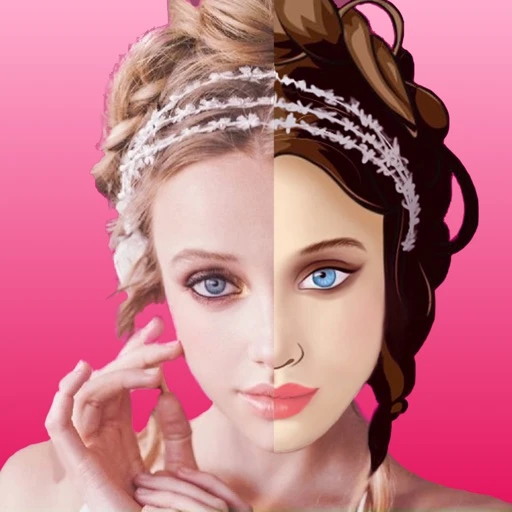
1. Choose your portrait
Open Face2Cartoon and choose a clear portrait you have permission to edit. Keep an untouched original for comparison.
2. Explore the filters
Compare the available Art and Cartoon options. Notice how each look changes the face, hair, color and fine details.
3. Review the result
Look closely at the eyes, mouth, edges and background. A treatment can alter details; choose another look if the result does not suit your idea.
4. Save thoughtfully
Review any current purchase requirements before using a paid feature. Check the edited portrait before saving or sharing it.